// ai agents · 8 October 2026 · 3 min read
I stopped copy-pasting log lines into my AI agent
A small CLI for Grafana Loki that pays off twice, faster for you, and usable by your coding agent
 Muhammad MairajSenior Backend Engineer
What I built
I’d had a personal install script at work for a while: paste it into PowerShell, it installs logcli (the official CLI for querying Grafana Loki), wires up PATH/LOKI_ADDR, and adds a couple of one-word shell functions for tailing and grepping logs, instead of round-tripping through the Grafana web UI for every query, which is slow, especially mid-incident.
It worked well enough internally that I decided to make it open source. Two changes along the way: made the shortcuts schema-agnostic instead of hardcoded, and, the one that actually took effort, extended the installer so it works cross-platform for real, not just macOS-with-Homebrew. It now detects your OS/architecture and pulls the matching binary straight from Loki’s own GitHub releases if brew isn’t there.
Repo: github.com/thisismairaj/logcli-shortcuts. MIT licensed.
Windows (PowerShell):
irm https://raw.githubusercontent.com/thisismairaj/logcli-shortcuts/master/install.ps1 | iexmacOS/Linux:
curl -fsSL https://raw.githubusercontent.com/thisismairaj/logcli-shortcuts/master/install.sh | bashBoth idempotent, safe to re-run. The only thing you actually need from your infra team is your Loki server’s URL.
Payoff one: it’s just faster, agent or not
The raw command works fine, but it’s long and easy to mistype:
logcli query '{namespace="backend-prod", service_name="api"}' --since=15m --follow(Worse on Windows PowerShell 5.1, which silently drops the embedded quotes, more on that below.)
With lt, that’s:
lt '{namespace="backend-prod", service_name="api"}' 15mAnd a couple more, for grepping instead of tailing:
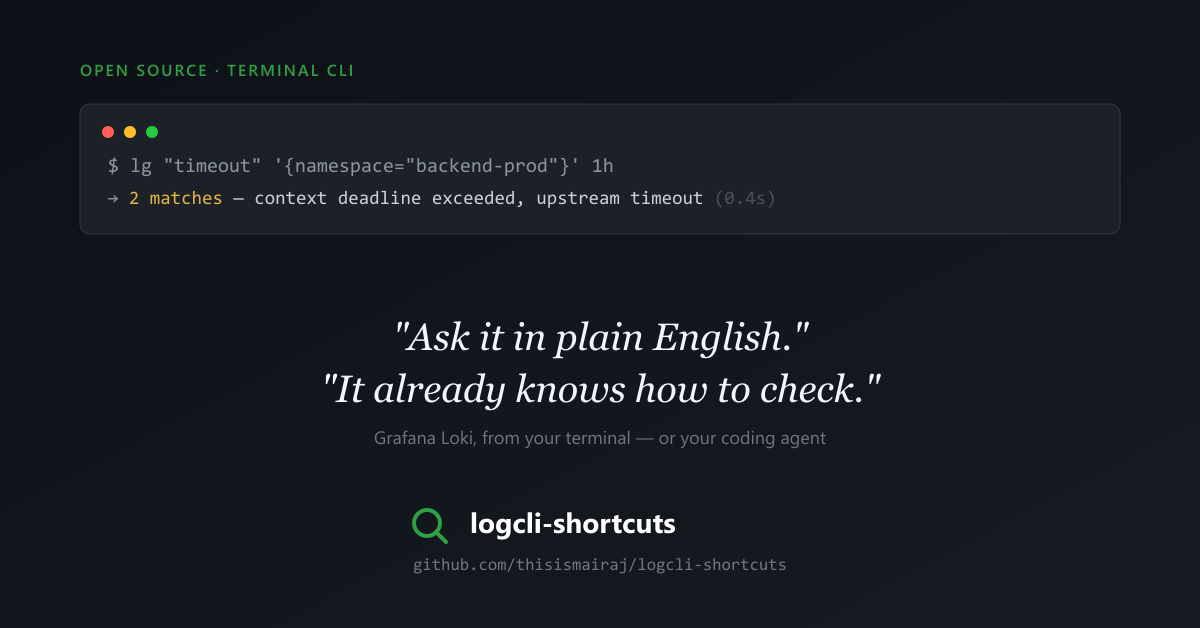
lg "error" '{namespace="backend-prod"}'                              # every error, last hour
lg "req-8f21ac" '{namespace="backend-prod", service_name="api"}' 2h  # chase one request/trace
lg "500" '{namespace="backend-prod", service_name="api"}' 30m        # status-code sweep after a deploy
If you hit the same service constantly, layer your own one-word alias on top, in your own shell config:
prodapi() { lt '{namespace="backend-prod", service_name="api"}'; }Now it’s just prodapi. No agent required for any of this, it’s a plain win for anyone who’s ever fumbled a Loki query in the middle of an incident.
Payoff two: handing it to a coding agent
The second payoff is the one I actually find more interesting. Once logcli/lt/lg are on your PATH, any coding agent with shell access, Claude Code, Cursor, whatever you use, can run them itself.
Instead of tabbing to Grafana, running a query, copying log lines, and pasting them into a chat, I just say something like “check the api service’s logs for the last hour for anything related to this timeout.” The agent runs lg itself, reads the real log lines, and reasons about them directly alongside my code. Same one-word and one-line commands from payoff one, just invoked by the agent instead of by me.
It works the same regardless of which agent or harness you’re using, because it isn’t an integration, it’s just a shell command sitting on PATH. Natural language in, real log context out, no context-switch.
Two gotchas worth knowing
Windows + VPN split-DNSlogcli‘s Windows build uses Go’s own DNS resolver, which doesn’t see a corporate VPN’s split-DNS rule the way Windows’ native resolver does, that rule lives in NRPT (Get-DnsClientNrptPolicy shows it). Symptom: logcli fails with a DNS lookup error for a hostname that Resolve-DnsName <host> resolves just fine. Not Loki-specific, this hits most Go-built CLIs run over a split-DNS VPN on Windows. Fix: pin the resolved IP in the hosts file (%windir%\System32\drivers\etc\hosts, needs admin), and re-check it if logs stop resolving later, that IP can rotate.
PowerShell 5.1 silently strips your quotes
Windows PowerShell 5.1, powershell.exe, still the Windows default, strips embedded double quotes when it hands arguments to a native .exe. A selector like '{namespace="x"}' loses its quotes before logcli ever sees them, and the query fails to parse. Also not Loki-specific, it bites any native exe called from PS 5.1 with quoted args. Fix: detect the PowerShell major version ($PSVersionTable.PSVersion.Major -lt 7) and escape quotes manually, or just move to PowerShell 7, where plain quoting works correctly. install.ps1‘s lt/lg already handle this for you automatically.
Both are the kind of thing you’d otherwise lose an hour to, searching the exact error text. Now they’re one install script away from already being handled.
Try it
github.com/thisismairaj/logcli-shortcuts, if you’re on Loki, or you’ve given your coding agent shell access and want it working off real logs instead of guesses, give it a try. A star helps it reach the next person hitting the same DNS error at 2am.
Muhammad Mairaj is a Senior Backend Engineer with 8 years building payment and data systems. He writes about data engineering, measured. More about him.